
Helium 10 Review 2026: Is It Worth the Price for Amazon Sellers?
Helium 10 is a seller software suite for Amazon, Walmart and TikTok Shop. We look at plans, the free plan, the 7-day refund rule and its mixed Trustpilot score.
We may earn a commission when you buy through links in this article. This does not affect our opinions or ratings. How we make money.
Short verdict: Helium 10 is a broad software suite for Amazon, Walmart and TikTok Shop sellers, and its tools cover research, listings, ads and operations. The prices are high, the free plan is limited, and Trustpilot reviewers complain a lot about billing and refunds. We rate it 3.3 out of 5.
How we wrote this review: we read Helium 10's pricing page, home page, free tools page and terms, plus public ratings. We checked these on 8 and 9 October 2026. We have not ordered from Helium 10 ourselves, so we do not describe how the tools feel to use. Claims about users and accuracy are Helium 10's own words and have not been checked by anyone independent.
What is Helium 10?
Helium 10 is a subscription software tool for online sellers. It is not a shop, so nothing is sent to your door. You pay for access to a web app and a Chrome extension.
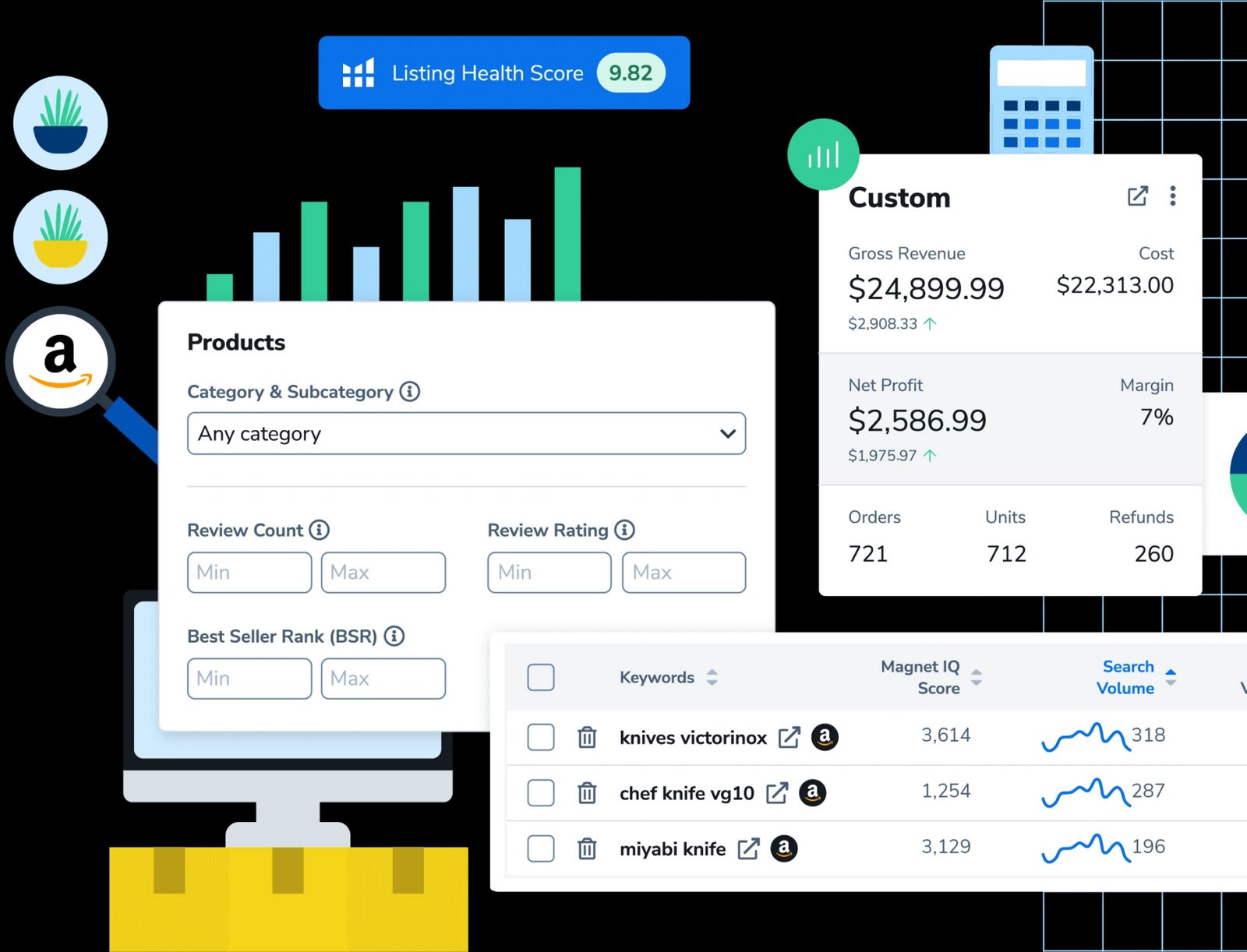
The tools help with product research, keyword research, listing writing, advertising, inventory, refunds and sales reports. Helium 10 says it supports sellers on Amazon, Walmart and TikTok Shop. It also says it has more than 4.5 million users and supports 24 or more marketplaces. These are the company's own claims.
The company behind the service is Pixel Labs, LLC, based in Irvine, California. You must be 18 or older, and you need an account for most features.
Products and prices
| Plan | Monthly price | Price per month if billed yearly | What you get |
|---|---|---|---|
| Free | $0 | $0 | A few free tools and a limited Chrome extension |
| Platinum | $129 | $99 | Research, listing tools and dashboards, aimed at sellers up to $100K in yearly sales (the store's guide) |
| Diamond | $359 | $279 | More tools and higher limits, aimed at sellers with $100K to $10M in yearly sales (the store's guide) |
| Enterprise | From $1,499, billed annually | Custom plan | Customer success manager, custom onboarding, larger teams |
These are US dollar prices from the Helium 10 pricing page, checked on 9 October 2026. Taxes are added at checkout. The "per month if billed yearly" figure is what you pay each month when you pay for the year in one go. An older text on the home page still mentions plans from $39 and $49. The pricing page shows no plan below Platinum, so we did not use those figures.
What the tools do
Helium 10 groups its tools by job.
- Product research: find products with demand and less competition, and track markets.
- Keywords: search keywords, look at competitor keywords, and (on Diamond) track keyword ranking over time.
- Listings: check and score a listing. Diamond adds an AI listing builder.
- Advertising: AI ads, rules-based bidding and dayparting are Diamond features. Helium 10 charges a 2% management fee on ad spend run through it.
- Operations: inventory tracking, review requests, email follow-up and a refund service for lost Amazon stock.
- TikTok Shop: a listing converter, a product finder and an influencer message tool.
Helium 10 also offers an AI agent called Helium (Diamond) and a connection to AI tools such as Claude. The pricing page is not clear on this. The Diamond card says the connection is included for up to 1,000 calls, but the feature table lists it as an add-on from $50 a month. Check this before you pay.
Limits and extra costs
Many features have usage caps. For example, Platinum lists 100 competitor keyword searches a month and 20 tracked products for life. Diamond lists 1,000 tracked products. The refund service takes a fee: 15% on Platinum and 10% on Diamond.
Some extras cost more. The keyword tracker add-on starts at $19 a month. Market Tracker 360 starts at $650 a month. Check the feature table for the exact limit you need, because the limits decide which plan fits.
Free plan
You can sign up for free. Helium 10 lists free tools such as the Amazon keyword tool, a PPC audit, the Chrome extension, a sales estimator, a trending products page and an FBA calculator. It says access to the Chrome extension is limited on the free plan. The exact free usage caps are not on Helium 10's own pages that we could read, so we do not state them. We did not see a free trial of paid plans on the pricing page.
Shipping
There is no shipping. You get access online after you sign up. Helium 10 is English-language software and shows prices in US dollars. Support is through a help centre, a ticket form and a chat widget in the app. The store does not state support hours, and we found no phone number.
Returns and refunds
Helium 10's terms give a full refund if you end the service within the first seven days of your first purchase. After that, payments are not refundable. There is no credit for a part-used period. Later refunds are at Helium 10's sole discretion.
Plans renew on their own. You can cancel in the account under Plans and Billing, in the chat widget, or by email. Cancel before the renewal date to avoid the next charge. You can also pause a plan for 1, 3 or 6 months. Pausing is not the same as cancelling. If you pay yearly, set a reminder, because the terms say Helium 10 only uses "reasonable efforts" to send a renewal notice.
What customers say
There are two scores, and they are about different things.
- Chrome Web Store: the Helium 10 extension scores 4.1 out of 5 from 771 ratings (checked 9 October 2026). This rates the browser extension, not billing or support.
- Trustpilot: 2.1 out of 5 from 713 reviews (checked 9 October 2026). Most reviews are either 5 stars (54%) or 1 star (38%), with few in the middle.
Trustpilot praise says the tools cover what sellers need, and some reviewers mention quick refunds and polite support. The main complaints are repeated price rises, features moving to higher plans, billing after cancelling and refused refunds. Some reviewers are unhappy with support. We have not verified any single case.
Pros and cons
Pros
- One suite covers research, keywords, listings, ads and operations.
- Works for Amazon, Walmart and TikTok Shop sellers.
- A free plan lets you look inside before you pay.
- A full refund is possible in the first seven days.
- The extension has a 4.1 score on the Chrome Web Store.
Cons
- Paid plans start at $99 to $129 a month, and Diamond is $279 to $359.
- The Trustpilot score is low (2.1 out of 5), with billing and refund complaints.
- Many features have caps, and some come as paid add-ons.
- No refund after seven days, except at Helium 10's discretion.
- No free trial of paid plans, and the free plan limits are not clear.
Who should buy Helium 10?
A good choice for:
- Sellers who run Amazon, Walmart or TikTok Shop and want one set of tools.
- Sellers who will use research, listing and ad tools every week.
- Teams that need several users on one plan (Diamond lists 5).
Not a good choice for:
- People who only want to try selling and have a small budget.
- Anyone who needs a long free trial to decide.
- Buyers who dislike auto-renewing plans and strict refund terms.
Tips before you order
- Start with the free plan and try the tools you need most.
- Pay monthly first. Move to yearly only when you are sure, since yearly refunds after day seven are not promised.
- Write down the sign-up date. The seven-day refund window starts at your first purchase.
- Read the feature table for the caps on your plan, and check add-on prices.
- Cancel before the renewal date, and keep a screenshot or email of the cancellation.
- Check your card statement after you cancel.
Our rating
| Area | Rating |
|---|---|
| Tools and range | 4.3 / 5 |
| Price and value | 3.0 / 5 |
| Refund and cancellation terms | 2.9 / 5 |
| Customer score | 2.8 / 5 |
| Overall | 3.3 / 5 |
Helium 10 offers a wide set of seller tools, but it costs a lot and many Trustpilot reviewers report billing trouble. Use the free plan first, read the refund rule, and move to a paid plan only when you know you need it.
Written by
Lyfestic Team
Comments
No comments yet. Be the first to share your experience.
Leave a comment
Your email is never published. Comments appear after a quick moderation check.